Convert JPG to Transparent PNG
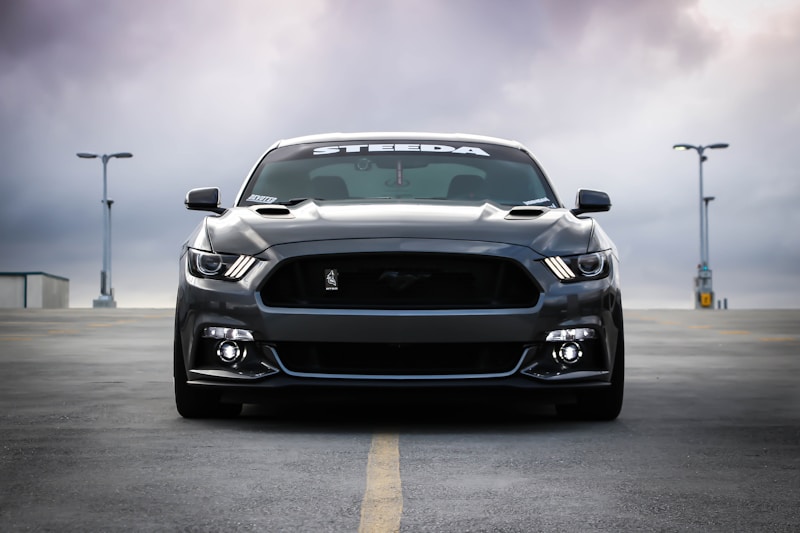
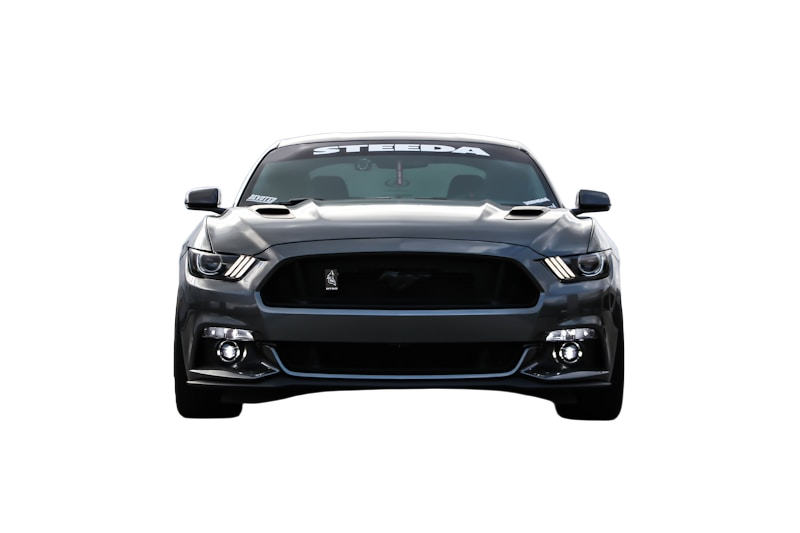
Original
Removed
Drag slider to compare before and after
HD Quality
No Lossy Compression
30ms Inference
How to Convert JPG to Transparent PNG
Three simple steps to professional results.
1
Upload
Drop your JPG file or paste a URL. We support JPG, PNG, WebP, and HEIC.
2
AI Magic
Our AI detects subjects and removes backgrounds in seconds automatically.
3
Download
Get your transparent PNG instantly. Place it on any background.
About JPEG (Joint Photographic Experts Group)
The most common image format for photos. JPG uses lossy compression to reduce file sizes while maintaining good visual quality.
Format Advantages
- +Universal browser and device support
- +Small file sizes for photos
- +Great for photographs with many colors
!Format Limitations
- -No transparency support
- -Lossy compression degrades quality
- -Not ideal for graphics or text
JPG vs PNG Comparison
Why converting to transparent PNG is usually the better choice for designers.
| Feature | JPG | PNG (Output) |
|---|---|---|
| Transparency | No | Yes (Alpha channel) |
| Compression | Lossy | Lossless |
| Best For | Digital photos, web images, social media | Transparent cutouts |
| Web Support | Universal | Universal |
Frequently Asked Questions
Everything you need to know about converting JPG to transparent PNG.
Can I convert JPG to transparent PNG?
Will converting JPG affect image quality?
What's the maximum JPG file size I can upload?
Other Format Conversions
Ready to Transform Your
JPG Images?
Upload your JPG image and get a transparent PNG in seconds. Join thousands of creators using Backg.one.