Convert HEIC to Transparent PNG
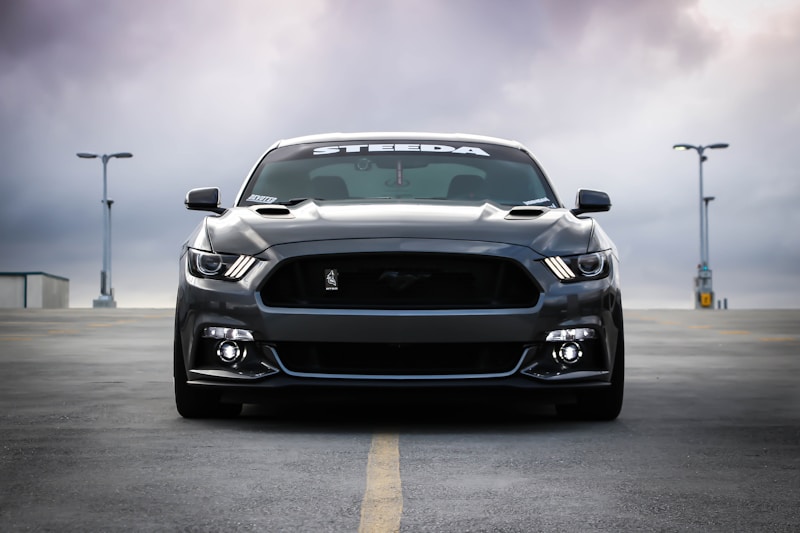
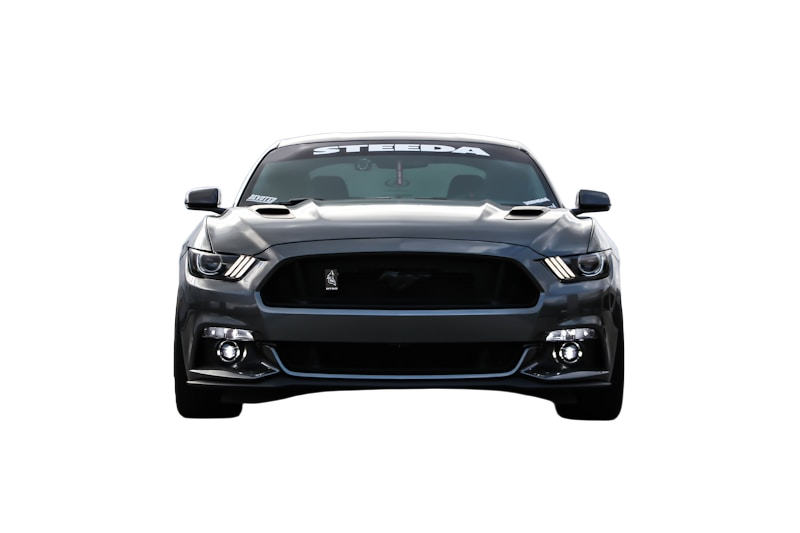
Drag slider to compare before and after
How to Convert HEIC to Transparent PNG
Three simple steps to professional results.
Upload
Drop your HEIC file or paste a URL. We support JPG, PNG, WebP, and HEIC.
AI Magic
Our AI detects subjects and removes backgrounds in seconds automatically.
Download
Get your transparent PNG instantly. Place it on any background.
About HEIC (High Efficiency Image Container)
Apple's default image format for iPhones and iPads. HEIC offers superior compression while maintaining high quality.
Format Advantages
- +50% smaller than JPG at same quality
- +Stores depth information and live photos
- +Excellent for iPhone/iPad photos
!Format Limitations
- -Limited support outside Apple ecosystem
- -Requires conversion for web use
- -Not supported by all image editors
Pro Tip: HEIC files are commonly from iPhone, iPad, and Mac devices. Upload them directly to Backg.one - no conversion needed before removing the background.
HEIC vs PNG Comparison
Why converting to transparent PNG is usually the better choice for designers.
| Feature | HEIC | PNG (Output) |
|---|---|---|
| Transparency | No | Yes (Alpha channel) |
| Compression | Both | Lossless |
| Best For | iPhone photos, iPad screenshots, Apple devices | Transparent cutouts |
| Web Support | Limited | Universal |
Frequently Asked Questions
Everything you need to know about converting HEIC to transparent PNG.
Can I upload photos directly from my iPhone?
Why are my iPhone photos in HEIC format?
Do I need to convert HEIC to JPG first?
Other Format Conversions
Ready to Transform Your
HEIC Images?
Upload your HEIC image and get a transparent PNG in seconds. Join thousands of creators using Backg.one.